
Lists, readers, and consent
Herald runs many lists from one place and only mails people who said yes. Readers are tagged, grouped into segments, imported, exported, and removed from one table.

Many lists, one view
Each list is a tenant. It has its own readers, tags, segments, templates, API keys, webhooks, and settings, and none of them leak into another list. The picker in the top bar chooses one list, or All Lists, which is where you land.
Under All Lists every table spans every list you can see, and a row acts on its own list. Actions that need one target, such as importing, exporting, a new email, a new automation, and Settings, stay disabled until you pick a list, and say why.
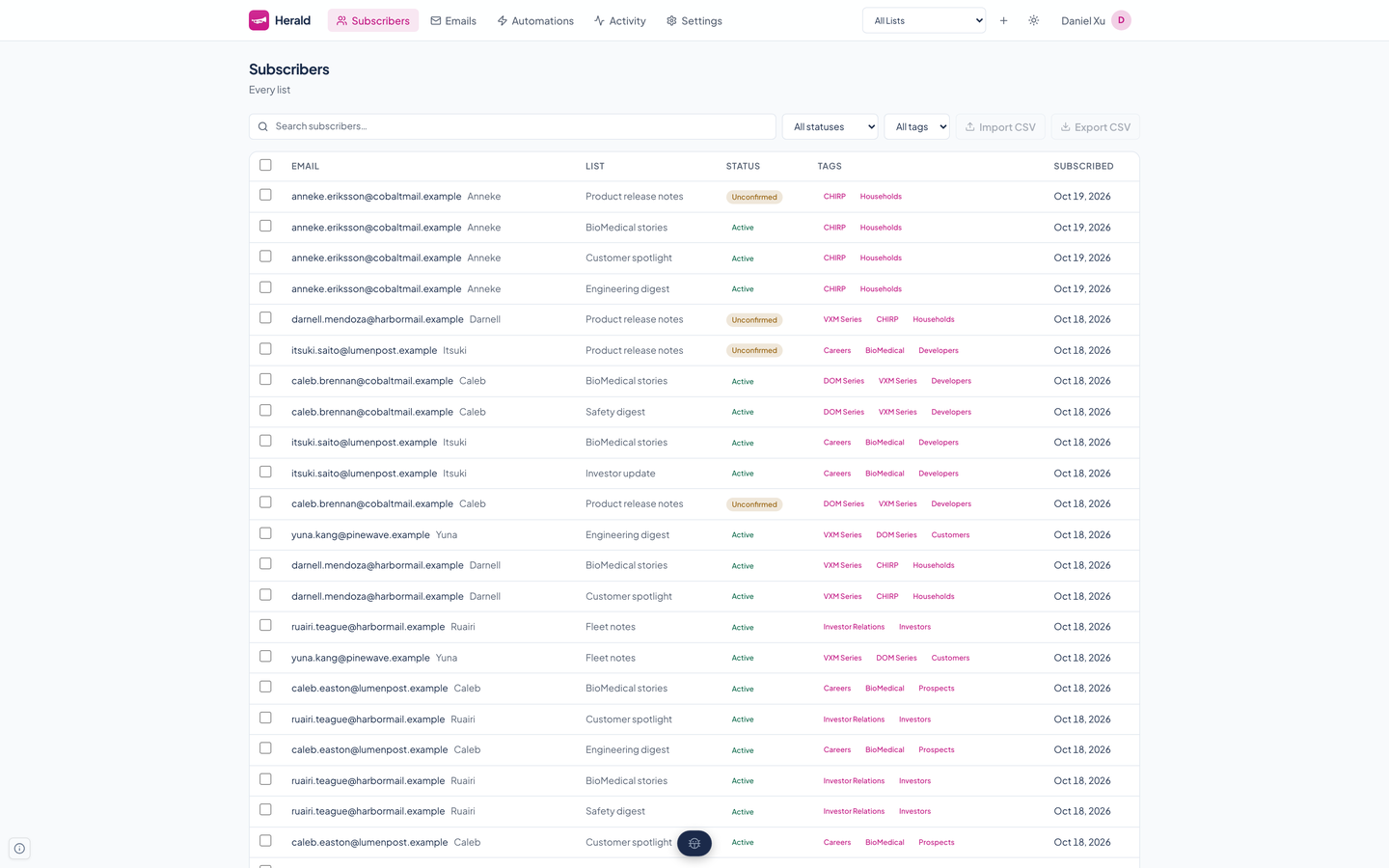
A reader's status
| Unconfirmed | Signed up but has not clicked the confirmation link. Never mailed a campaign. |
|---|---|
| Active | Confirmed and mailed. |
| Unsubscribed | Opted out, by the link in an email or the mail app's own button. |
| Bounced | SendGrid reported the address as undeliverable. |
| Complained | The reader marked a message as spam. |
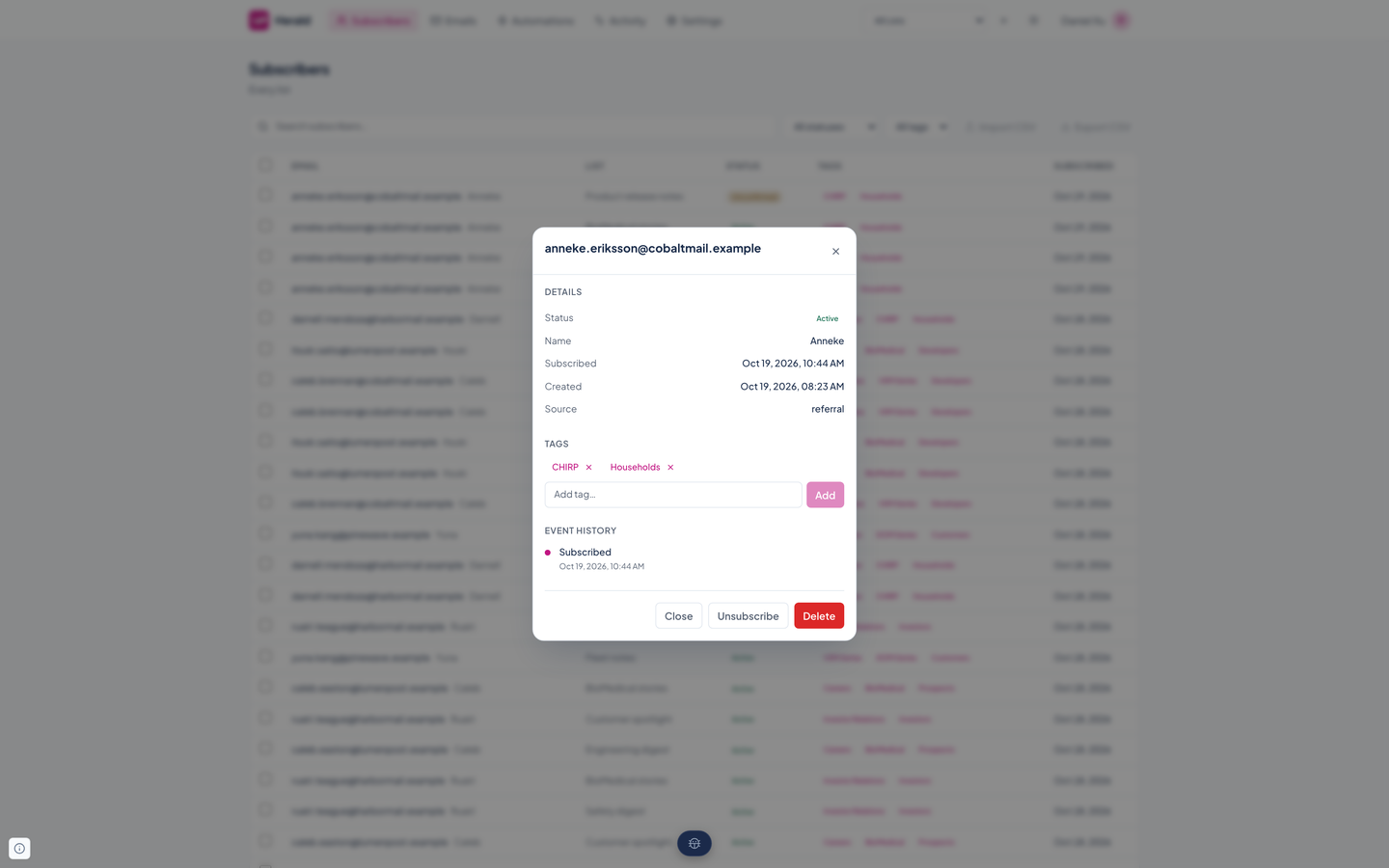
Only active readers are ever mailed. Addresses on the suppression list are skipped on import and on signup.
Double opt-in
A list can require confirmation, and new lists do. Herald treats the link as the proof.
Sign up
A form, the signup Lambda, or the API adds the address as unconfirmed.
Confirm
Herald mails a link holding a 64-character random token. The click makes the reader active and starts any automation that waits for a confirmation.
Recover
An expired link lands on a page that offers a fresh one. Signing up again does the same. A cooldown per address stops anyone using the form to flood an inbox.
Every page a reader reaches from an email, such as confirmed, expired, and unsubscribed, is a small self-contained page in light and dark, never raw JSON.
Tags and segments
Tags are names you put on readers by hand, from an automation, or through the API. A segment is a saved audience: the active readers who carry at least one of its tags.
One definition decides who a segment reaches, so its preview, its count, and the send agree. A send to a segment that no longer exists reaches no one, and a segment that an email targets cannot be deleted.
Import, export, and bulk actions
- Import a CSV with an email column. Rows already on the list, and addresses on the suppression list, are skipped and counted.
- Export a list's readers as CSV at any time, so your data stays portable.
- Select rows on the Subscribers page to delete them in one request. Selection survives paging within a filter and is dropped when the filter changes, so a delete never reaches a row you cannot see.
- Resend the confirmation email to the unconfirmed readers you select.
Unsubscribing
Every email has two ways out. The message carries the List-Unsubscribe and List-Unsubscribe-Post headers from RFC 8058, so Gmail, Apple Mail, and Outlook can show their own one-click button, and the body carries a visible Unsubscribe link. Both end on a plain confirmation page.
Questions about this tool?
Write to Renkara Media Group and a person will answer.