
From a Markdown draft to an inbox
Herald keeps writing simple and sending careful. You write in Markdown or choose a designed template, see what a reader will see, test it on yourself, and send it once.

The composer
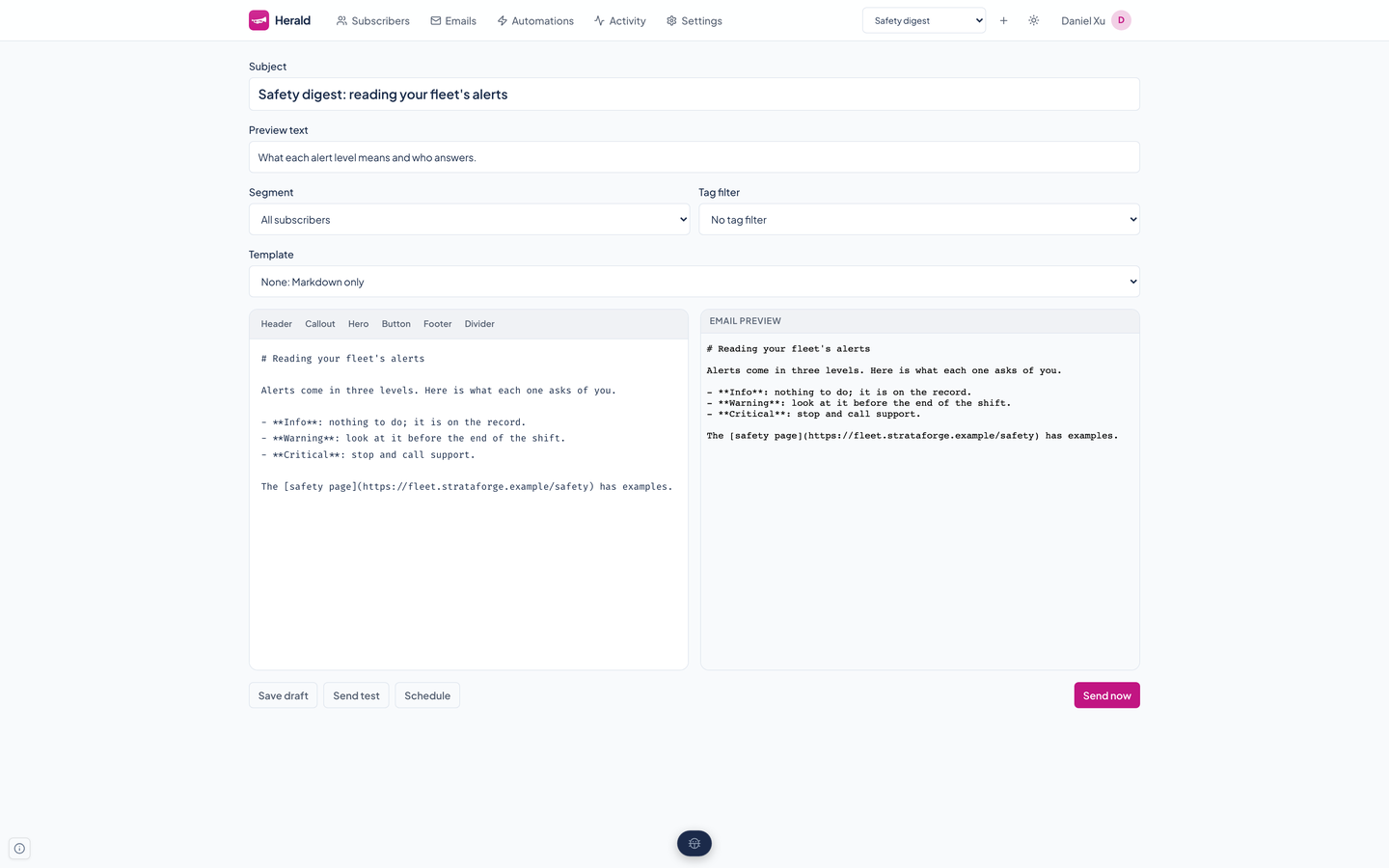
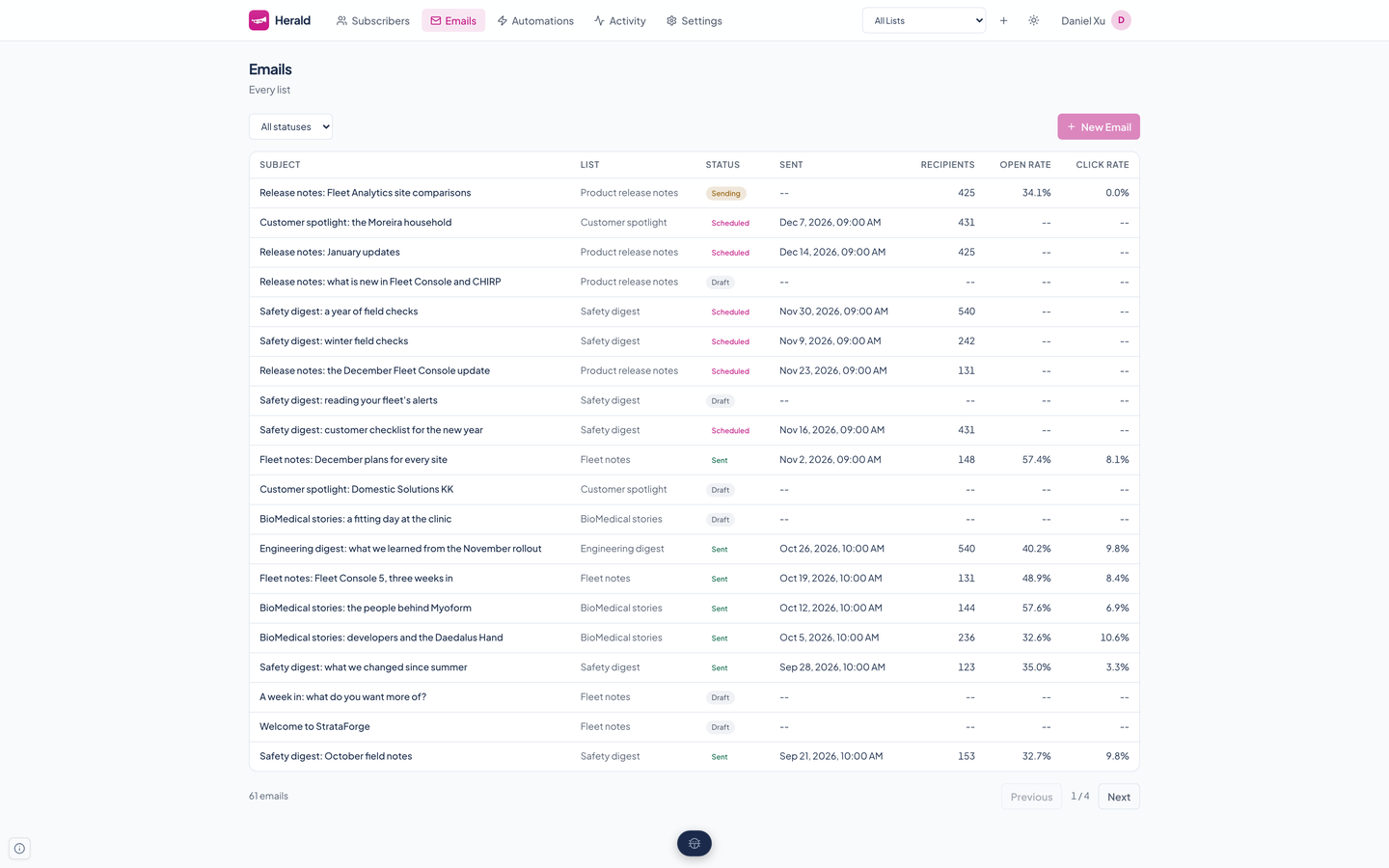
An email belongs to exactly one list, so the composer lives at a list's own address. It saves drafts, and every button works on an unsaved draft by saving it first.
The left pane is a Markdown editor and the right pane is the email as a reader will see it, rendered from your Markdown or through the HTML template you pick. Above them are the subject, the preview text that mail apps show after the subject, a template picker, and the audience: everyone on the list, a segment, or a tag. A row of snippet buttons above the editor inserts a header, callout, hero, button, footer, or divider.
From there you can save, send a test, schedule a time, or send now. A draft or a failed email can be edited; a scheduled one cannot, because the scheduler may claim it at any moment.
HTML templates
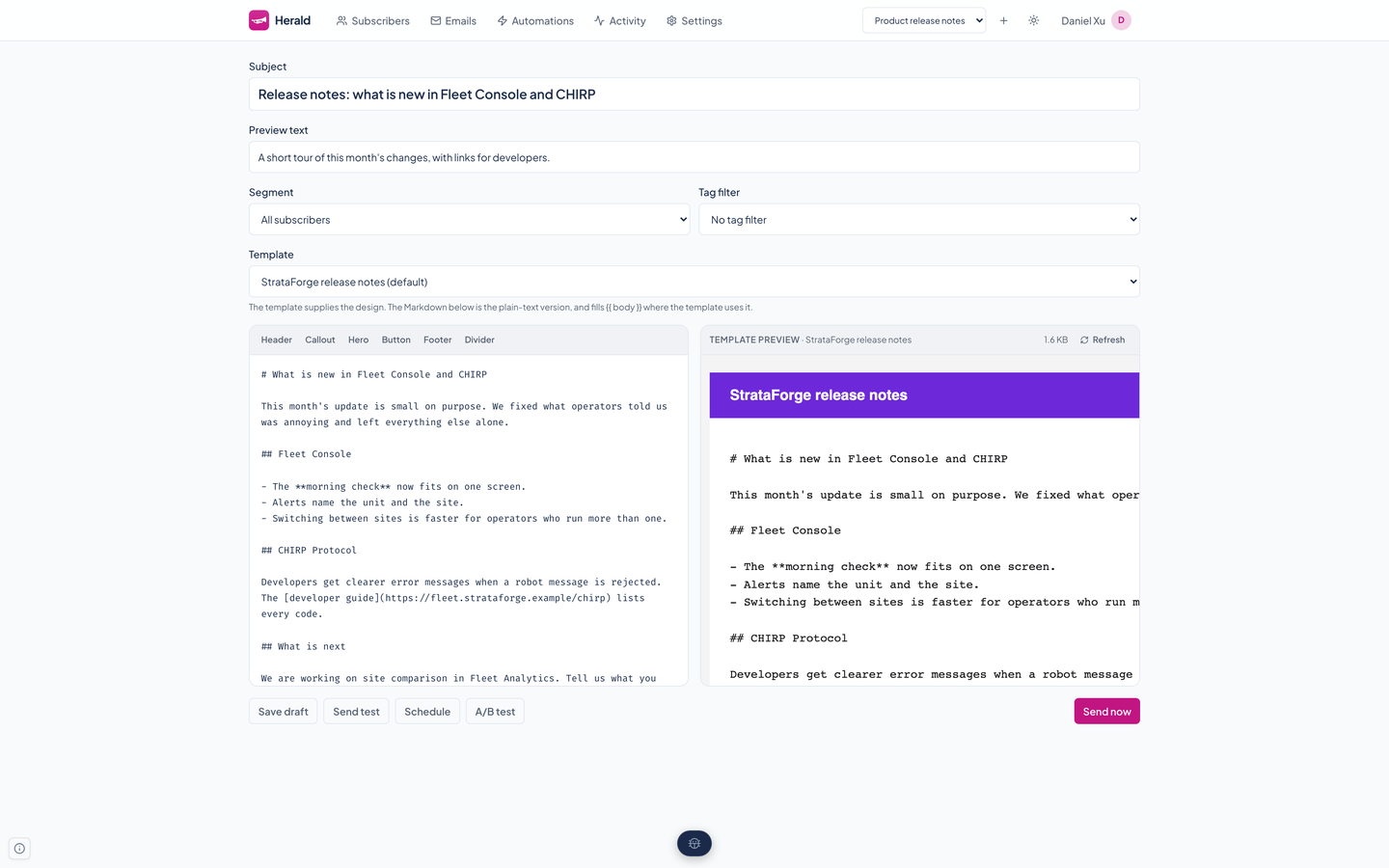
A list can keep fully designed HTML emails. An email that uses one is rendered through it for every reader.
Templates are plain HTML with Jinja variables, so a designer can own the look while writers keep writing Markdown. The email's Markdown becomes the plain-text part and fills the template's body.
| Size | At most 512 KB. |
|---|---|
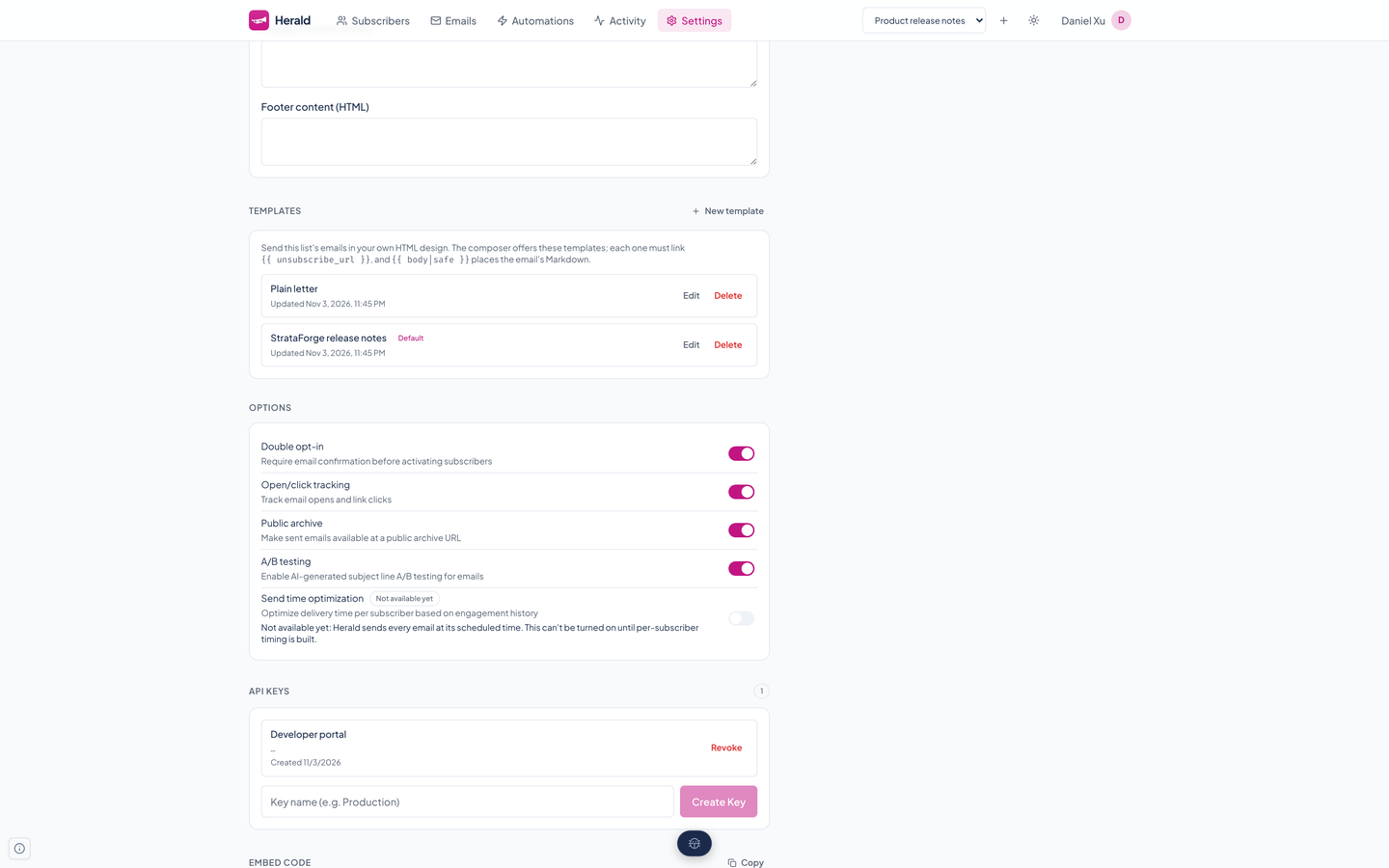
| Unsubscribe | A template must link the reader's unsubscribe URL, or it is refused. It replaces the whole message, so nothing else would add one. |
| Variables | The reader's address, any metadata field on the reader, their unsubscribe URL, a view-in-browser URL, and the email's body, rendered per reader. |
| Sandbox | Templates render in a sandboxed Jinja environment: no includes, imports, or inheritance, and no reach into Python. |
| Default | One template per list can be the default that new emails start on. Choosing none keeps plain Markdown. |
<html>
  <body style="font-family: Georgia, serif; max-width: 36rem; margin: 0 auto;">
    <h1>Fleet notes</h1>
    {{ body|safe }}
    <p style="font-size: 12px;">
      <a href="{{ unsubscribe_url }}">Unsubscribe</a>
    </p>
  </body>
</html>
Preview and test sends
The server preview renders both parts of the email for a sample reader, exactly as a send would, and reports the size of the HTML. Past 102,000 bytes the composer warns that Gmail would clip the message and hide the unsubscribe link at the bottom.
A test send mails that same render to any address you type or any subscriber you search for. It records nothing against the campaign, so you can fire it as often as you like without moving the numbers. If the provider turns a message down, you see the reason, not a blank error.
Sending
Sending is built so that a nervous double-click, a second server, or a busy scheduler cannot mail anyone twice.
Claim
Send, the scheduler, and an A/B test all claim the email with one conditional update. Exactly one caller wins.
Record
Herald writes one send record for each active reader on the audience, each reader once however many of the chosen tags they carry, and commits them.
Queue
Only after that commit does it queue one delivery per record, so a worker never looks for a row that is not there yet.
Close out
A pass every 30 seconds marks a campaign sent when nothing is left queued, or failed if no delivery succeeded. A campaign whose deliveries stall for 15 minutes is reported as an error.
A scheduled email more than 24 hours overdue is marked failed instead of sent, because a campaign meant for last week may say tomorrow. Statuses run draft, scheduled, sending, and sent, or failed.
The footer and the archive
A Markdown email gets a small footer in both its HTML and plain-text parts: an Unsubscribe link for that reader and the list's mailing address. A template email gets none, because its template must carry the unsubscribe link itself.
A list can publish its sent emails as public web pages, rendered through the same template. The page is served with a sandbox policy, so no script in an email can run in the reader's browser, and a list that turns the archive off has no public pages.
Questions about this tool?
Write to Renkara Media Group and a person will answer.